TV Remote control for All TV
BoostVision
Downloads
10,000,000+
Source
Google Play
Advertisement
Click to download now, finish the installation quickly, and directly unlock the all-round experience
Advertisement
Screenshots
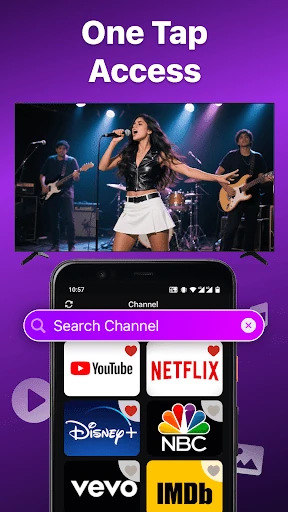
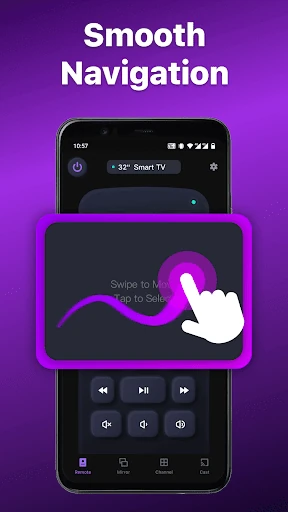
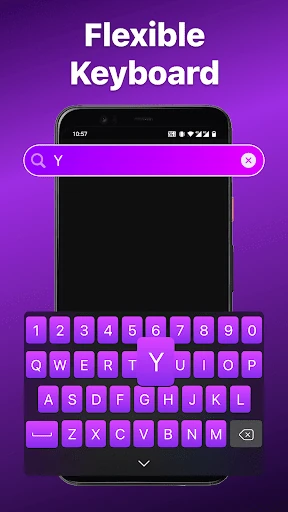
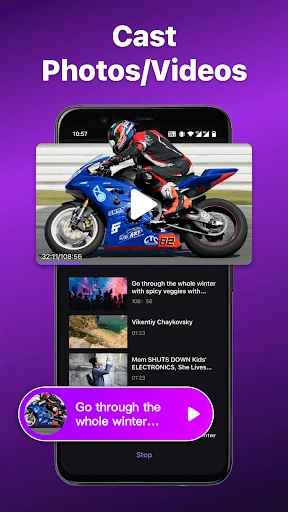
Click to download now, finish the installation quickly, and directly unlock the all-round experience
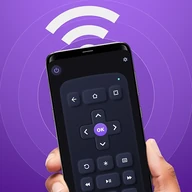
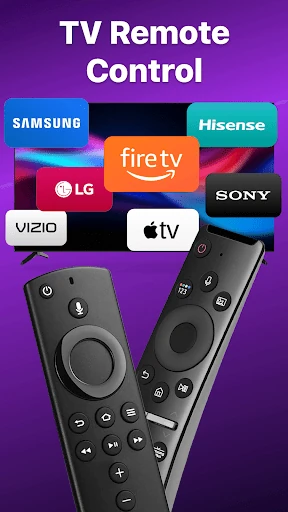
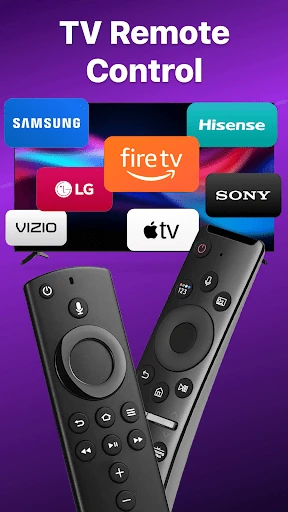
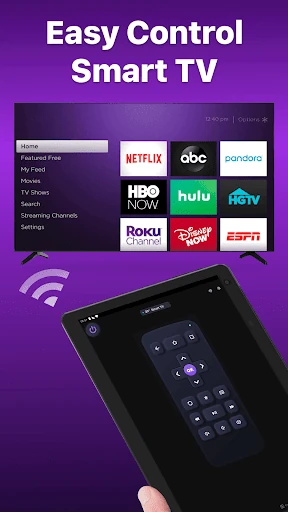
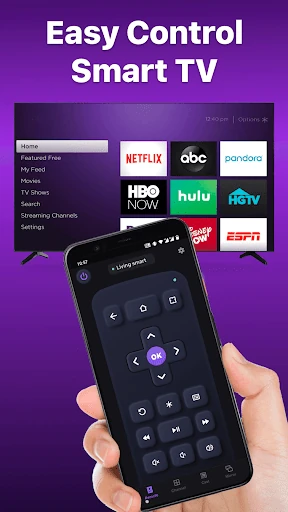
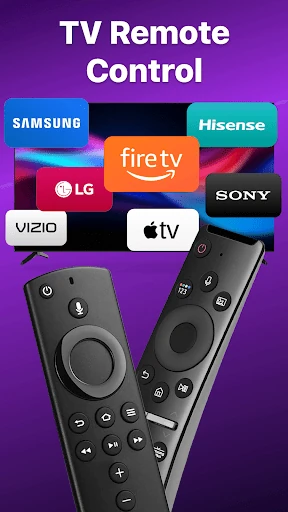
TV Remote control for All TV turns an Android phone into a remote for compatible smart TVs and streaming devices. It is aimed at people who misplace physical remotes, want one control for more than one screen, or find typing with a TV remote slow. The listed device range includes brands and platforms such as Samsung, LG, Sony, Vizio, Fire TV and Apple TV; support depends on the particular TV or device.
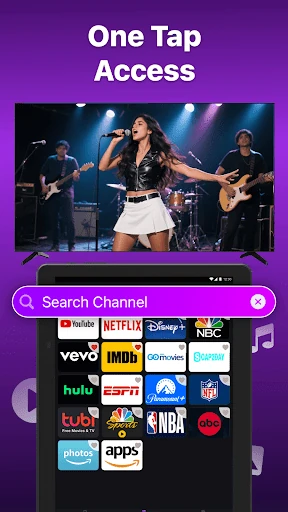
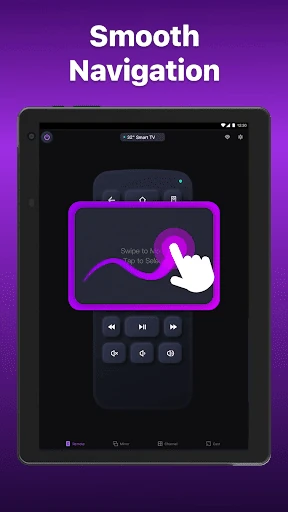
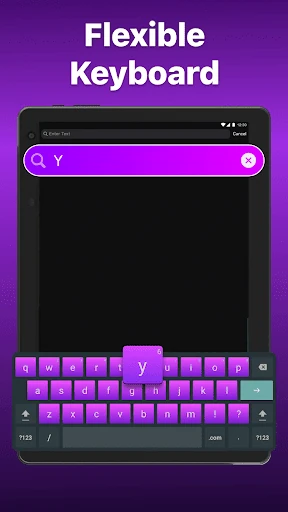
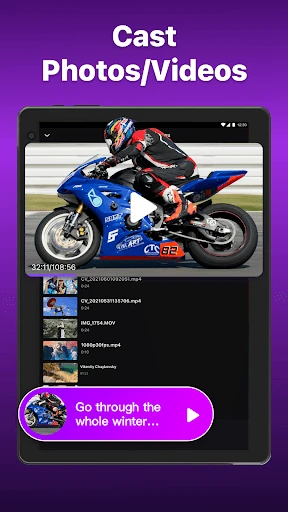
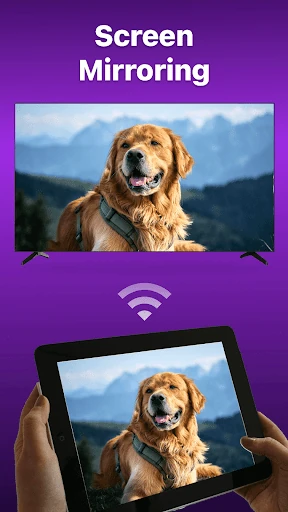
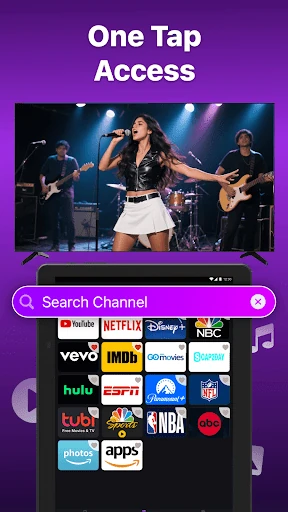
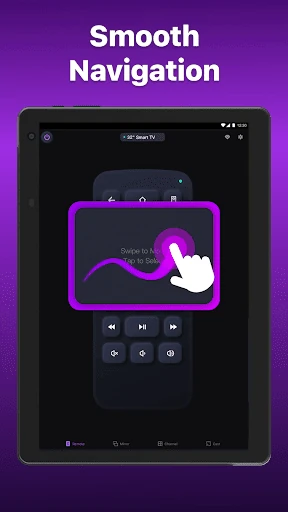
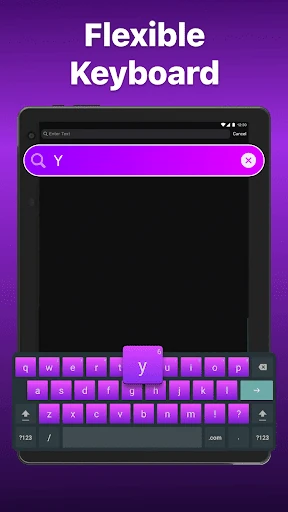
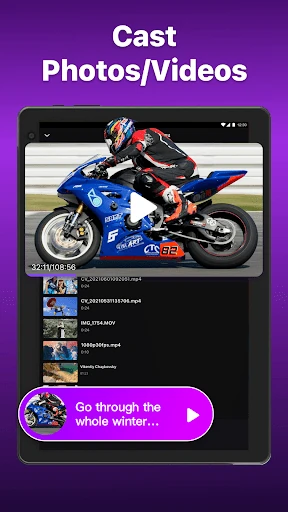
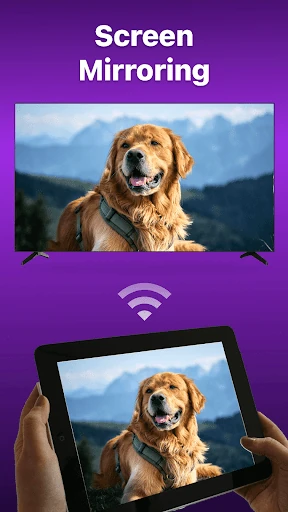
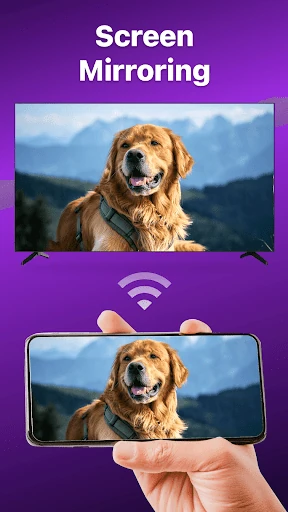
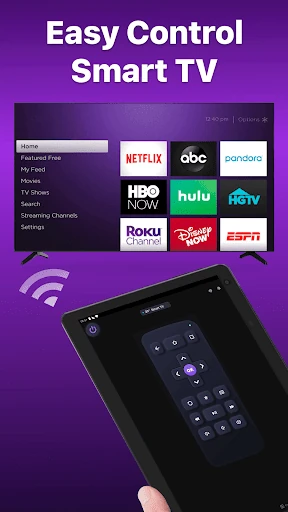
The app offers on-screen remote controls, along with phone-keyboard input for searches and text fields. It also includes touchpad-style navigation, which can make moving through menus feel different from pressing a directional pad. Casting and screen mirroring are part of the feature set too, for showing local photos or videos on a larger display. These extras make it more than a replacement for a missing remote, though they are most useful when the TV and phone can work together on the same home network.
This is a practical choice for a household with supported smart TVs or streaming equipment and a phone usually within reach. Check that your specific model is compatible before relying on it as the only remote; a broad device list does not mean every television can connect. If you mainly need basic channel and volume controls, the extra navigation and casting tools may matter less than a reliable match for your setup.
The rating and install count show that many people have tried it, but they cannot confirm compatibility with a particular TV. The key decision is whether your home devices are supported and whether phone-based control suits the way you watch.