AirDroid Cast-screen mirroring
SAND STUDIO
Downloads
5,000,000+
Source
Google Play
Advertisement
Click to download now, finish the installation quickly, and directly unlock the all-round experience
Advertisement
Screenshots
Click to download now, finish the installation quickly, and directly unlock the all-round experience
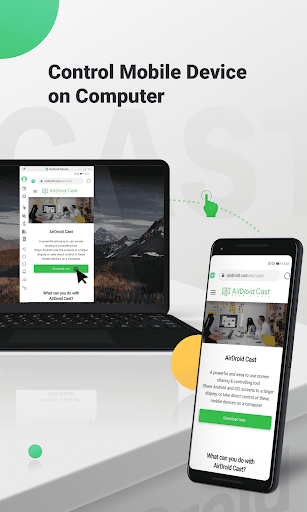
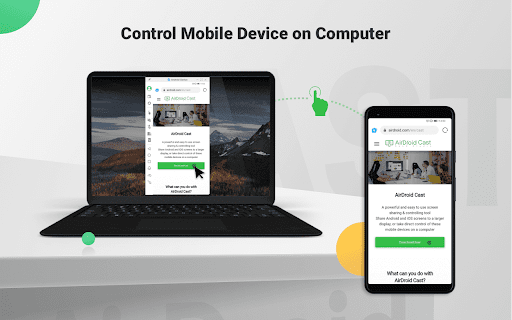
AirDroid Cast mirrors a phone or tablet screen to a Windows or macOS computer. It suits people who need to show mobile content in a meeting, give a presentation, or view a device on a larger display. To control the mobile device from the computer, AirDroid Cast must also be running on the desktop.
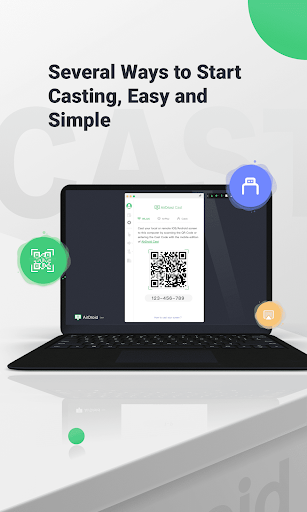
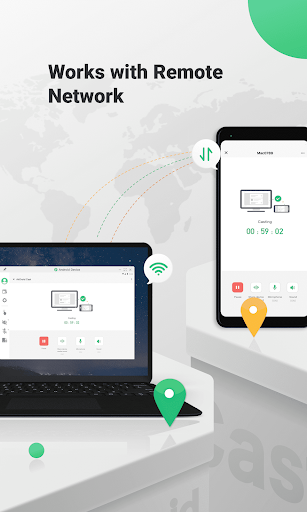
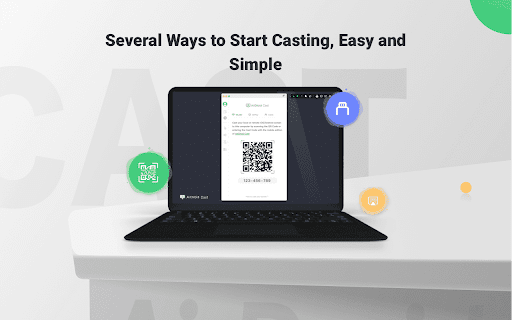
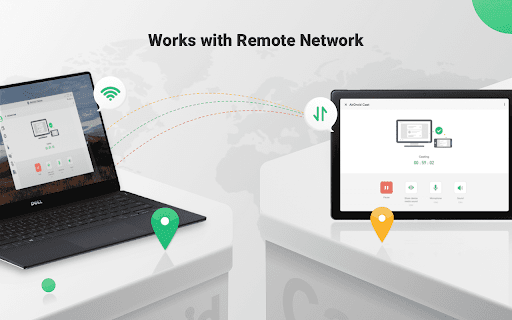
You can start a cast by scanning a QR code, entering a Cast Code, or connecting with a USB cable. The app can share screen content and microphone audio, and its two-way audio feature is intended for conversations with meeting attendees. For casting over a remote network rather than a local network, a Premium account is required.
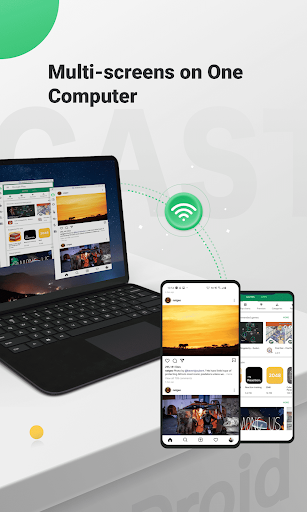
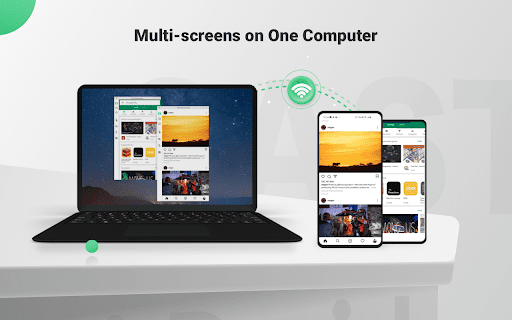
AirDroid Cast is aimed at more than solo screen viewing. A host can receive casts from several mobile devices on one computer, with support for up to five devices at once. That can help when comparing screens or bringing participants’ mobile content into a meeting. Desktop control also lets you click, scroll, and type on a connected device without picking it up.
This is a companion tool for people who regularly move information from a phone to a computer; it is less relevant if you only need to share content between phones. The desktop requirement matters for mirroring and computer-based control, while remote-network casting has an additional Premium condition. SAND STUDIO publishes the Tools app. It has a 4.04/5 rating from 18,915 ratings and 5,000,000+ installs, useful signals of how widely it is used but not a substitute for checking whether its connection options suit your setup.